How to Launch an MVP with AI: UX Essentials
AI can build an MVP in days, but it can’t tell you what to build or whether people can use it. Learn how to launch an MVP with AI: design only the core flows first, test with about five real users, and know when you can skip a designer.October 21, 2026
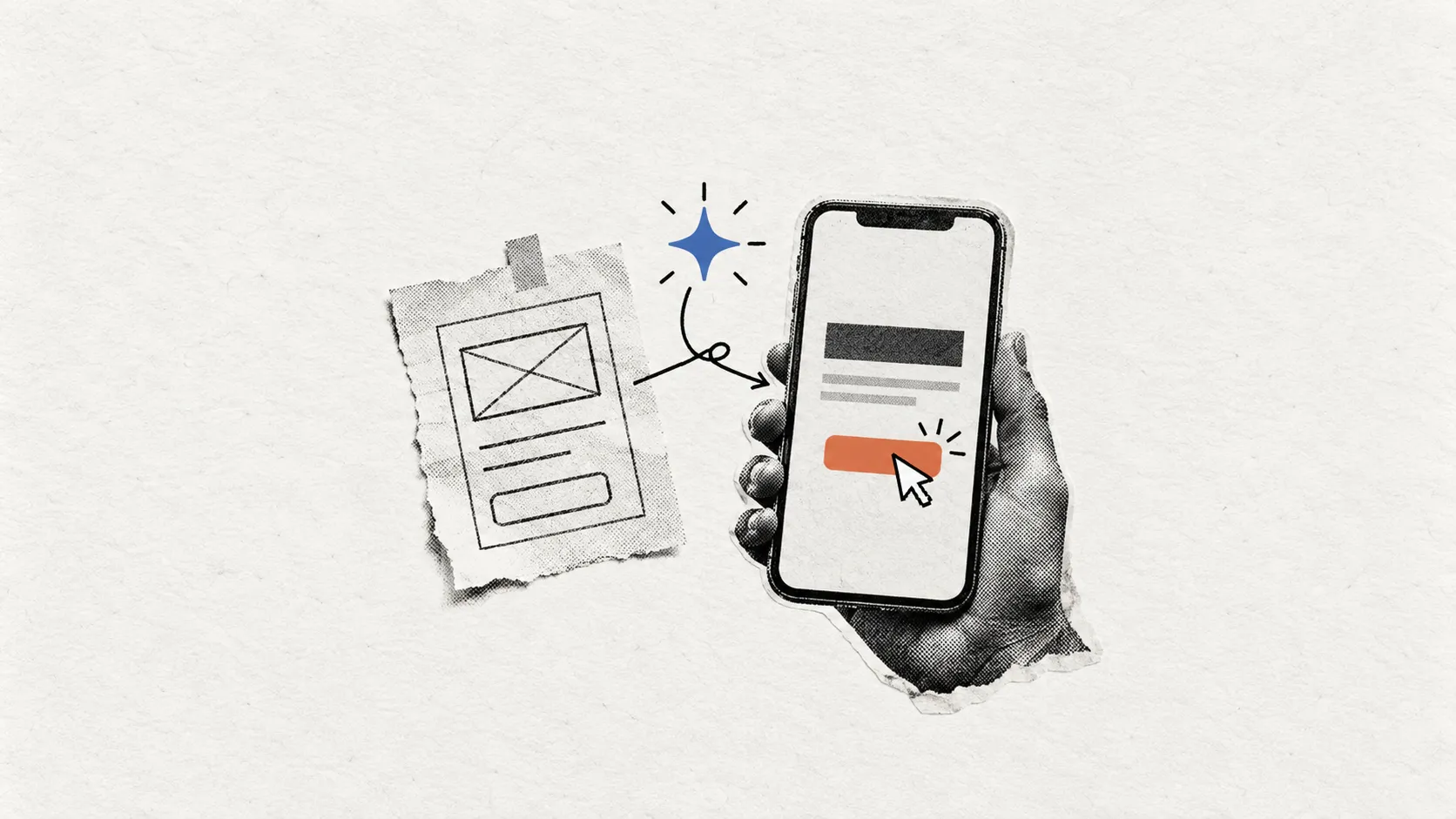
Table of contents
To launch MVP with AI, design the few flows that deliver your core value, let AI build from that plan, then test it with about five real users per user group. An AI-built MVP still needs UX design (how clear and easy a product is to use), but only to a minimum. In The Lean Startup, Eric Ries defines an MVP as the version of a product that lets a team collect the most validated learning about customers with the least effort. AI shortens the build, so the scarce resource shifts from code to learning.
Key takeaways
- An MVP is a learning tool. Its job is to show what customers want, not to look finished.
- AI shortens build time, but it doesn’t decide what to build or whether people can use the result.
- Aim for minimum viable UX: a clear core flow users understand, with no extra polish.
- Test small and often with a few real users before you build more.
- Have someone review AI-generated code before real users touch it, especially anything that handles logins, payments or personal data.
- Skip a designer only in specific cases, covered below.
This guide is for non-designer founders and small-business owners building a first product with AI app builders, no-code tools or AI coding assistants, who need to decide how much design to do before launch.
What does launching an AI MVP actually mean?
It can mean two things: using AI tools to build the product, or building a product whose core feature is AI. Each tests a different question and breaks in different places.
|
What it means |
What you are testing |
Where the user experience can go wrong |
|
|---|---|---|---|
|
AI as the builder |
AI app builders, no-code tools or AI coding assistants generate the screens, logic and code |
Whether people want the product and can use it without help |
Generic layouts, unclear next steps, and screens that work but don’t explain the value |
|
AI as the feature |
The product’s main value comes from AI output, such as answers, summaries or recommendations |
Whether the output is useful enough that people rely on it |
Vague results, no way to check or correct the output, and users unsure what to do with it |
This guide focuses on AI as the builder. That shift is real, and it changes where your risk sits. When building is cheap, the expensive mistake isn’t slow code. It’s building something people don’t want, or something they want but can’t figure out.
AI builders produce what you describe. When the description is vague, they tend to fill the gaps with common default patterns, and those defaults rarely match how your specific customers think about their problem. The result can look finished while hiding the confusion that would distort your feedback.
When AI is the feature, you are testing all of the above plus whether the output is useful, trustworthy, and easy to act on. That raises design questions about how results are shown, how users spot errors, and what happens when the AI is wrong. Those need their own guide.
What should your MVP prove before you build?
Your MVP should prove that people want what you are making. Speed, features, and visual polish come after that answer.
“Validated learning” means evidence drawn from what real customers do, not from what they say they might do. Ries also stresses that an MVP is not about creating minimal products. The goal is the smallest thing that teaches you something true, not a stripped-down app that happens to be cheap.
Shutdown data points the same way. CB Insights’ March 5, 2026 analysis looked at 431 VC-backed startups that shut down since 2023 and could identify reasons for 385 of them. Running out of capital appeared in 70% of cases, but that is usually the final cause rather than the root problem. Poor product-market fit (the product didn’t match what a large enough market wanted) appeared in 43%, bad timing in 29%, and unsustainable unit economics in 19%. Many companies cited several reasons.
Two limits apply. The data covers only VC-backed companies, so it may not reflect bootstrapped startups or small businesses. It is also not a UX statistic. What it supports is narrower: learning what the market wants often matters more than how fast you ship.
So your first job is to find your riskiest assumption, the belief that would sink the product if it were wrong. A simple test: ask, “If this is false, does anything else I build still matter?” If the answer is no, that is what your MVP should test first.
How do you launch an AI MVP, step by step?
Design happens before the AI builds, and testing happens before launch.
- Name one problem and your riskiest assumption. Write one sentence for the problem your product solves and one for the belief that must be true for anyone to care. If either won’t fit in a sentence, the MVP is probably testing too much.
- List the smallest set of flows that tests it. A flow is the step-by-step path a user takes to complete a task, like signing up or creating a first report. Pick only the flows that carry your core value and move everything else to a later list.
- Design those core flows with sketches or simple wireframes. A wireframe is a rough layout showing what goes where on a screen, before any visual polish. Paper sketches work. The aim is to decide what users see and do at each step, so the AI builds from a plan instead of guessing. If you want help here, see our MVP product design service.
- Generate the build with AI tools. Use your wireframes and flow notes as the brief for your AI app builder, no-code tool, or coding assistant. Clear inputs tend to produce outputs closer to what you meant, with fewer rounds of correction.
- Review the result for usability, code quality, and security. Usability means how easily people can complete a task without help. For code, see the research in the AI section below: have someone review anything that handles logins, payments, or personal data.
- Test with about five real users per user group. Nielsen Norman Group reports that one test user typically reveals about 31% of usability problems, and five users find most of the common ones within one group of similar users. You need more only with distinct groups, such as buyers and sellers. The model is for finding problems, not measuring them, so several small tests beat one large one.
- Launch to a small group, measure and iterate. Release to a limited set of real customers and watch whether they complete the core flow and come back. Fix what blocks them, then test again before adding features.
Where design sits: in steps 2 and 3, before the AI writes any code, and again in steps 5 and 6 as review and testing. It is not a finishing coat after the build.
Is UX design required for an MVP?
Yes, but only a minimum, focused on the flows that deliver your core value. The goal is an interface clear enough that users react to your idea, not to the screens in front of them.
A 2015 Finnish interview study of 8 startups and 13 participants (Hokkanen, Kuusinen and Väänänen) found that when UX is poor, users tend to concentrate on the disturbing interface instead of the product idea. For a founder, that means a confusing MVP can produce a “no” that has nothing to do with the idea. You end up learning about your navigation when you wanted to learn about demand.
The same authors’ 2016 study, based on interviews with 17 entrepreneurs from 12 small startups, proposed “Minimum Viable User Experience”: good-enough UX in early versions so that users can understand the product’s value.
What this evidence can and cannot tell you: both are small interview studies of entrepreneurs’ observations and views. They are not outcome data and don’t show that better UX makes an MVP more likely to succeed. The fair reading is that a clear interface protects the quality of your learning.
In our practical view at Convex, minimum viable UX splits into two lists. The left column protects your learning. The right can wait until you know the product is worth building out.
|
Worth designing for an MVP |
Safe to leave for later |
|---|---|
|
The core flow, from first screen to the moment users get value |
A full design system (a shared library of reusable styles and components) |
|
Clear, plain-language labels on buttons, menus and forms |
Animation and motion polish |
|
A first impression that explains what the product does and who it’s for |
Rarely used screens, such as advanced settings |
|
Basic error states (what users see when something fails) and empty states (what they see before any data exists) |
Extensive brand work, such as custom illustration or a full identity system |
|
A readable layout on the device most of your users will have |
Fine-tuned layouts for every screen size |
A quick test for any item: if a user hit a problem here, would it change what you learn about your core idea? If yes, design it now.
What can AI do for design, and where do you still need a person?
AI is good at producing first drafts quickly. It is weaker at deciding what is worth building and at watching real people use the result. A weak first draft costs an afternoon. A wrong decision about what to test, or a missed problem in front of real users, can cost you a whole round of learning.
|
Task |
What AI can help with |
Where a person is still needed |
|---|---|---|
|
First-draft layouts and copy |
Generating screen options, labels and placeholder text in minutes |
Judging whether the draft fits how your customers think and talk |
|
Generating working code |
Turning flow notes and wireframes into a running build |
Checking that it works end to end and connects properly to other services |
|
Choosing the riskiest assumption to test |
Listing possible assumptions and questions to consider |
Deciding which belief would sink the product if false |
|
Observing real users |
Summarizing notes or recordings after sessions |
Watching where people hesitate, get lost or give up |
|
Reviewing code quality and security |
Flagging some common issues |
Reviewing anything that handles logins, payments or personal data |
The research points both ways. In interviews with 20 UX professionals (Li et al., arXiv preprint, September 2025), vibe coding, or describing software to an AI in plain language, was reported to speed up iteration, support creativity, and lower barriers to taking part. The same participants reported code unreliability, integration problems, and over-reliance on AI.
Security is a separate concern. Veracode’s 2025 GenAI Code Security Report tested more than 100 AI models on 80 coding tasks and found they introduced security vulnerabilities in 45% of cases. Veracode sells security tools, and the study measures security, not usability, so treat it as a reason to review code rather than a verdict on AI-built products.
Let AI handle volume and keep people on judgment. If you’re weighing who that person should be, our guide to choosing between a freelance designer and an agency covers the trade-offs.
When can you skip a designer?
In a few narrow cases, where the cost of a confusing interface is low, or the learning you need is very specific. Skipping a designer is often the right call when speed and budget matter more than polish and a rough interface won’t distort what you’re trying to learn:
- A throwaway prototype used only to test demand. If you’re checking whether people will sign up, join a waitlist, or click “buy” before the product exists, a simple page or rough build may be enough. You plan to discard it, so design time rarely pays back.
- An internal tool for a small team who will tolerate rough edges. Your users know the context, can ask you questions, and aren’t judging it as customers. Clunky screens cost some patience, not your market signal.
- A test of a single flow. When you only need to know whether one task makes sense, such as booking or uploading a file, you can often sketch it yourself and build it with AI tools.
Even then, a handful of real users should try it before you conclude. Five users is cheap insurance, with or without a designer.
The calculation changes when the product moves past a single question. Several user types, real customer data, payments, or a plan to keep building on the MVP all raise the cost of getting the core flows wrong.
What does MVP design cost?
MVP design cost depends mainly on three things: how many core flows the product needs, which platform it runs on, and how much testing you build in. Screen count matters less than most founders expect, because one complex flow with several decision points can take more work than a handful of simple screens.
More flows mean more paths to map, design, and connect. Needing both web and mobile adds a second set of layout decisions. Each testing round adds recruiting, sessions, and revisions, but it also protects the quality of what you learn.
Convex MVP design starts at $1,900, is fixed-scope and quoted upfront, and typically takes 1-2 weeks.
|
Scope |
What drives the cost |
|---|---|
|
Single core flow |
Clarity of the one task, first-screen messaging, basic error and empty states, and a short round of user testing |
|
Small set of flows |
How the flows connect, shared navigation, consistent labels across screens, and testing that covers each flow |
|
Multi-role product |
Separate flows and permissions for each user type, handoffs between roles, more edge cases, and testing with each user group |
Two quotes at the same price can cover very different work. Before you compare them, ask which flows are included, how many rounds of testing are planned, and whether error and empty states are in scope. For a broader breakdown, see our UI/UX design cost guide.
What mistakes sink AI-built MVPs?
Most come from building too much, skipping real users, or trusting what the AI produced without checking it. AI makes each easier, because building more no longer feels expensive.
Overbuilding. When features cost little to generate, it’s tempting to add them all before launch. The test is whether each feature helps answer your riskiest question. If not, it belongs on the later list.
Skipping user testing. Founders often assume that if the build works, users will understand it. The Finnish studies above suggest confusing screens pull attention away from the idea, so feedback about the interface can be mistaken for feedback about demand.
Shipping unreviewed AI code. Given the Veracode findings above, anything that touches logins, payments, or personal data should get a human review before real users arrive.
Mistaking a working demo for validation. A smooth demo proves the build works, not that people want it. Validation comes from what real users do: completing the core flow, returning or paying. Polite praise during a walkthrough is a weaker signal.
What does an MVP design look like from brief to test?
A one-page brief, then a clickable prototype, then a small round of testing, all before the AI builds anything expensive to change.
The walkthrough below is illustrative: a typical path for a founder building a tool that lets independent tutors send progress updates to parents. It has no real client, numbers, or results.
- Write a one-page brief. List the problem, who it’s for, the riskiest assumption, and the one core flow. Here, the assumption is that tutors will send updates regularly if each takes very little effort.
- Map the core flow. Write out each step a tutor takes, from opening the app to sending an update. Billing and scheduling go on the later list.
- Sketch and wireframe. Show what sits on each screen and what the tutor taps next, using the words tutors already use, not internal jargon.
- Build a clickable prototype. A set of linked screens users can tap through, without working code behind them, close enough to the real product to test whether the flow makes sense.
- Test with a handful of real users. With two user groups, test a few tutors and a few parents separately. Watch where people hesitate or get stuck rather than asking whether they like it.
- Revise, then brief the AI build. The fixed wireframes and flow notes become the input for AI tools, so the build starts from a tested plan.
Once real users are on the product, our UX optimization guide explains how to keep improving the flows after launch.
So, how much design does your MVP need before launch?
Design the few flows that carry your core value, test them with about five real users per user group, and keep everything else lean. Skip a designer only for throwaway tests or narrow internal tools, and even then, put the product in front of real users first. AI has made building cheap, so the real risk now sits in what you learn.
If you’re unsure where your MVP falls, talk it through before the AI builds anything. You can book a discovery call with Convex to work out which flows matter and what can wait. The aim is a clearer scope, whether or not you work with us.
Frequently asked questions
How much UX design does an MVP need?
A minimum amount, focused on the few flows that carry its core value. Finnish interview studies of startups suggest good-enough UX helps users understand a product’s value, though they report entrepreneurs’ views rather than outcome data.
Can I build an MVP with AI and no designer?
Sometimes. It can work for a throwaway prototype that only tests demand, or a narrow internal tool for a small team who will put up with rough edges. Even then, have a handful of real users try it before you conclude.
How long does MVP design take?
It depends on how many core flows you need, which platform you build for, and how much testing you plan. Convex MVP design typically takes 1-2 weeks.
What is the difference between a prototype and an MVP?
A prototype tests an idea before you build it, often as linked screens with no working code behind them. An MVP is a working version that real customers can use, so you learn from what they actually do.
How many users should I test with?
Start with about five per user group. Nielsen Norman Group’s model says one user typically reveals about 31% of usability problems, and five find most of the common ones within a group of similar users. Use more only when you have distinct groups, such as buyers and sellers.
Should my MVP include an AI feature?
Only if the AI is the core thing you need to test. If your riskiest assumption is about something else, an AI feature adds new design questions without helping you answer the one that matters.
Can poor UX invalidate my MVP results?
It can distort them. A 2015 interview study of 8 startups found that when UX is poor, users tend to focus on the interface instead of the product idea. It is small, but it points to a real risk: a “no” may be about confusing screens, not your idea.
When should I bring in a design agency?
It depends on how much is riding on the core flows, such as several user types, payments, or a plan to keep building on the MVP.

Akib Ahmad
Co-founder & CEO
Akib Ahmad has spent the last 4+ years turning complex ideas into clear, user-friendly digital experiences. His journey spans SaaS, fintech, healthcare, e-commerce, and EdTech, with experience designing websites, mobile apps, dashboards, and digital products. As the founder of Convex, he helps startups and growing companies build products that balance strong visual design with usability and business goals.


