Platform
Mobile app
Industry
Fintech
Tools
Figma
Spendly — A personal finance app
Project overview
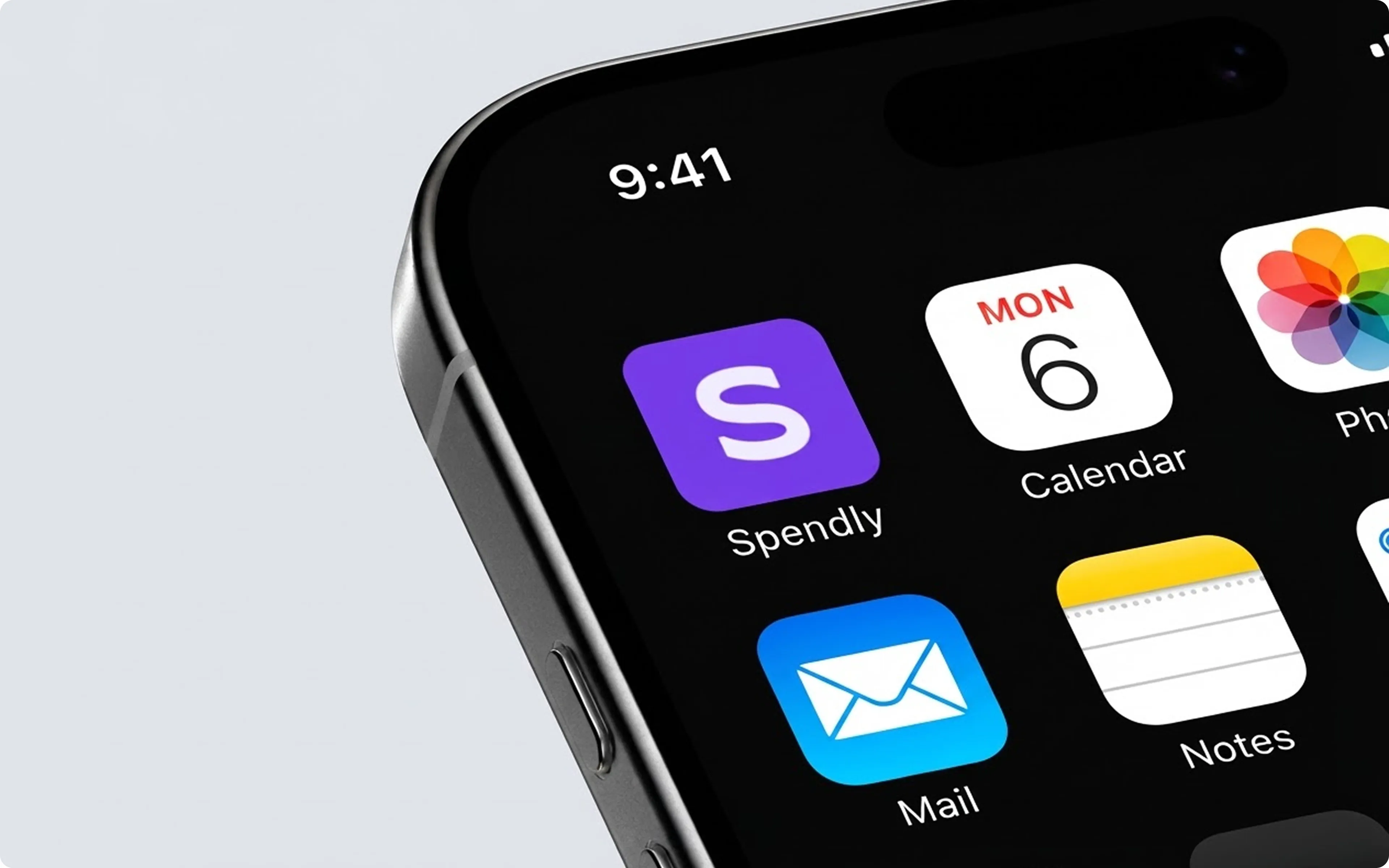
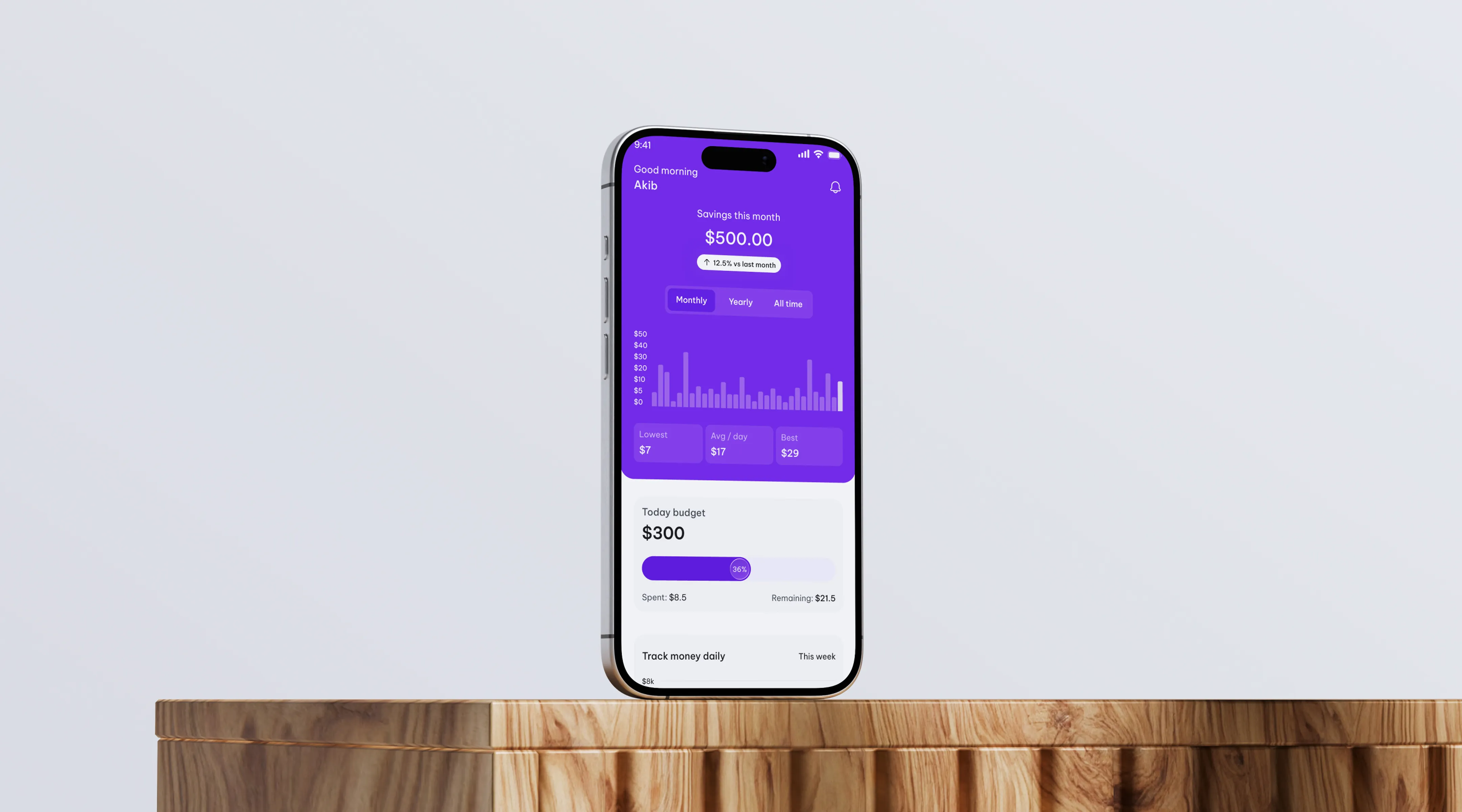
Spendly is a modern personal finance app designed to help people understand and control their money with confidence. Users can connect their bank accounts, track spending, set category budgets, build savings goals, manage upcoming bills, and view clear insights about their financial habits, all in one place. The app offers a Free plan for everyday money tracking and a Pro plan for deeper insights, higher limits, and advanced features.
The challenge
Managing money is stressful for many people because their financial information is scattered across banks, cards, bills, and savings. The challenge was to design an app that simplifies budgeting, savings, bills, and transactions without overwhelming users with numbers and charts. The interface also had to feel secure and trustworthy, since users share sensitive financial data. On top of that, we needed a smooth onboarding flow and a fair Free vs Pro experience that encourages upgrades without frustrating free users.
Our approach
We combined user research, product strategy, and interface design to create a finance experience that feels simple, secure, and motivating. Every decision focused on helping users see where their money goes and take small, confident steps toward better financial habits.
UX research & strategy
We studied how people track expenses, where they struggle with budgeting, and what makes them abandon finance apps. These findings shaped a clear structure around the most common needs: checking balance, controlling spending, saving for goals, and never missing a bill.Information architecture
We created a simple user journey:Connect → Track → Plan → GrowUsers first connect their accounts, then track transactions, plan with budgets, bills, and goals, and finally grow through insights and savings. The app is organized into five main areas: Home, Budget & Savings, Transactions, Insights, and Profile.
UX design decisions
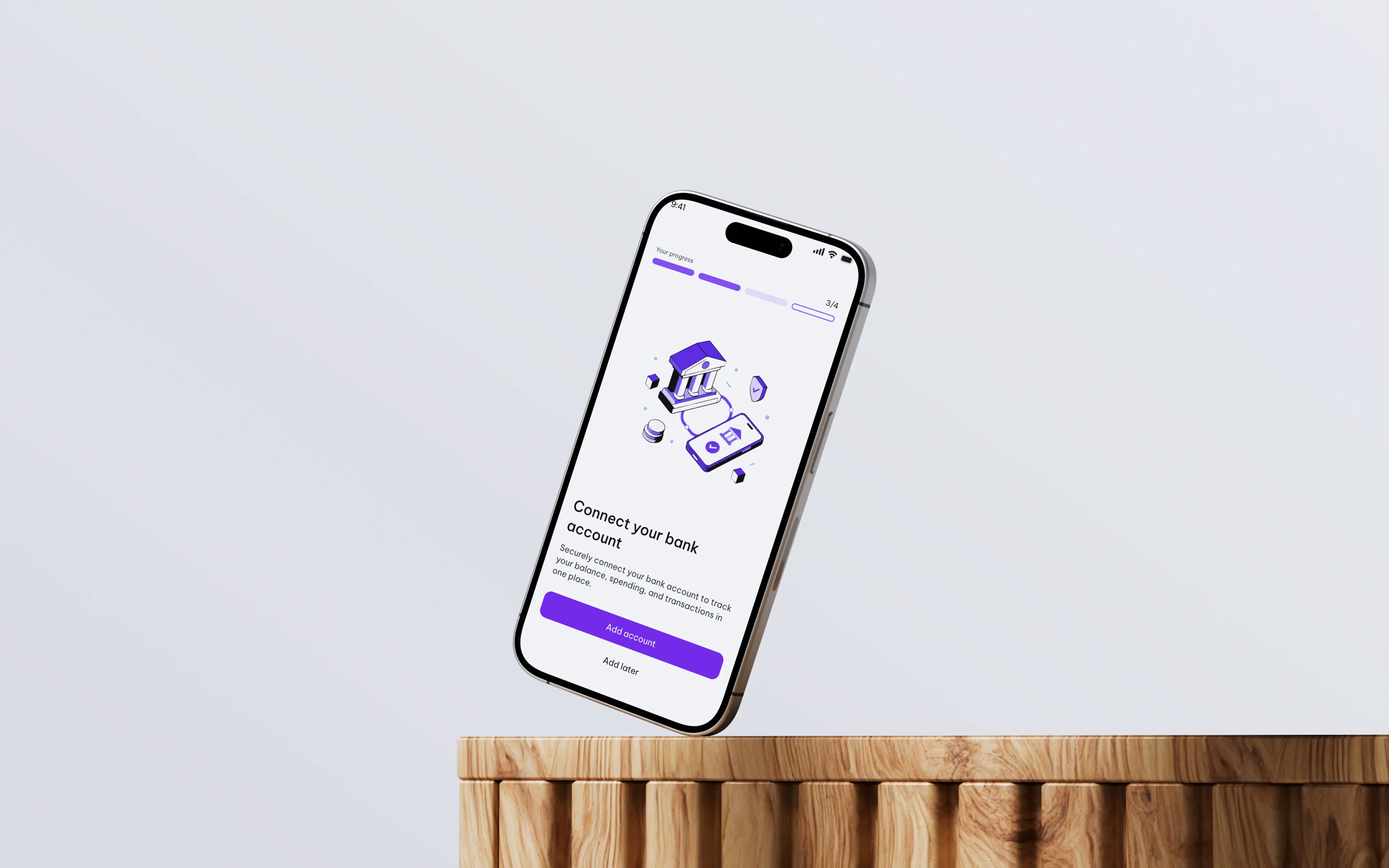
- A 4-step onboarding with a progress bar (preferences, bank connection, monthly income, budget setup) so users never feel lost.
- Secure access through email verification, MFA, and fingerprint login.
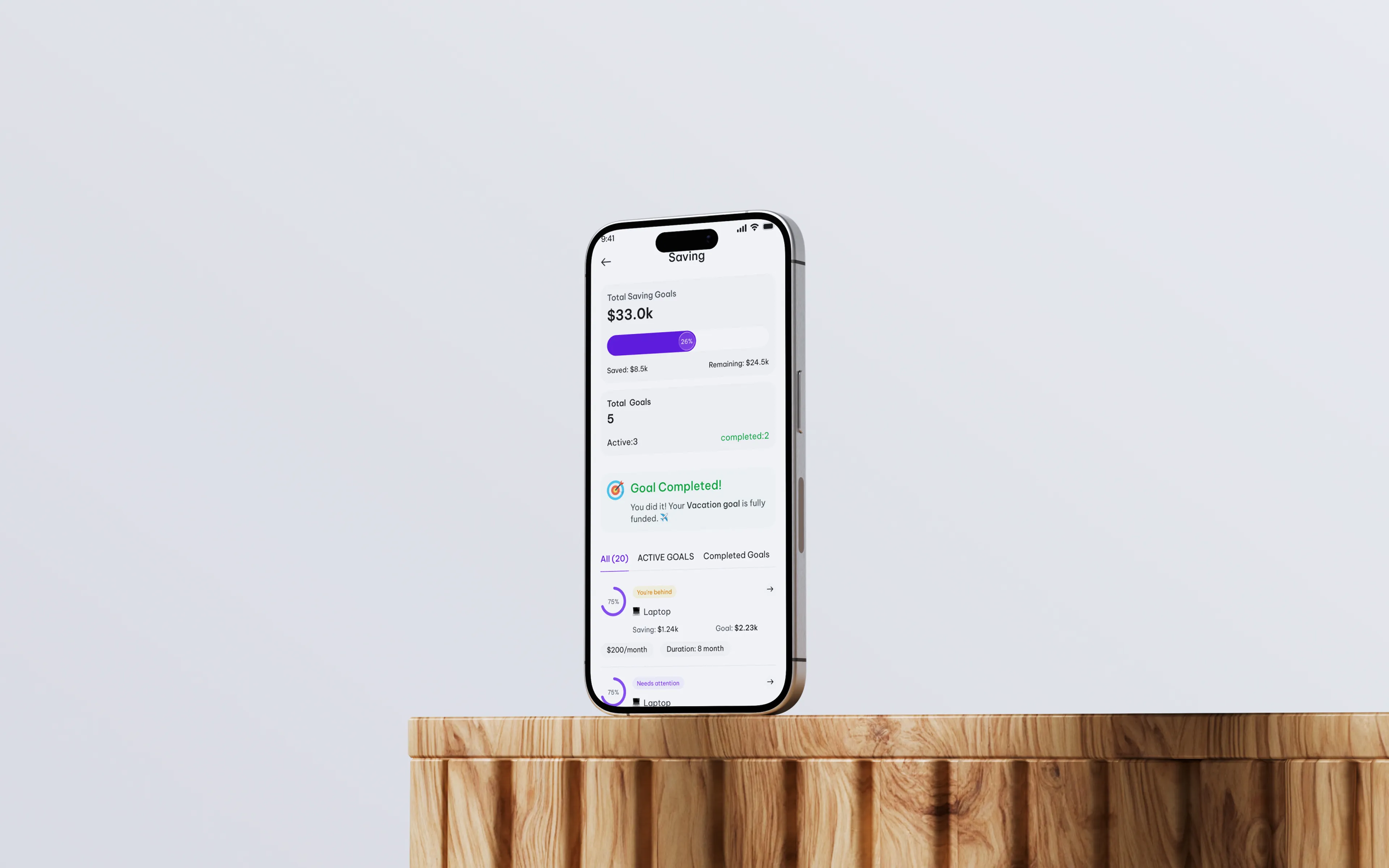
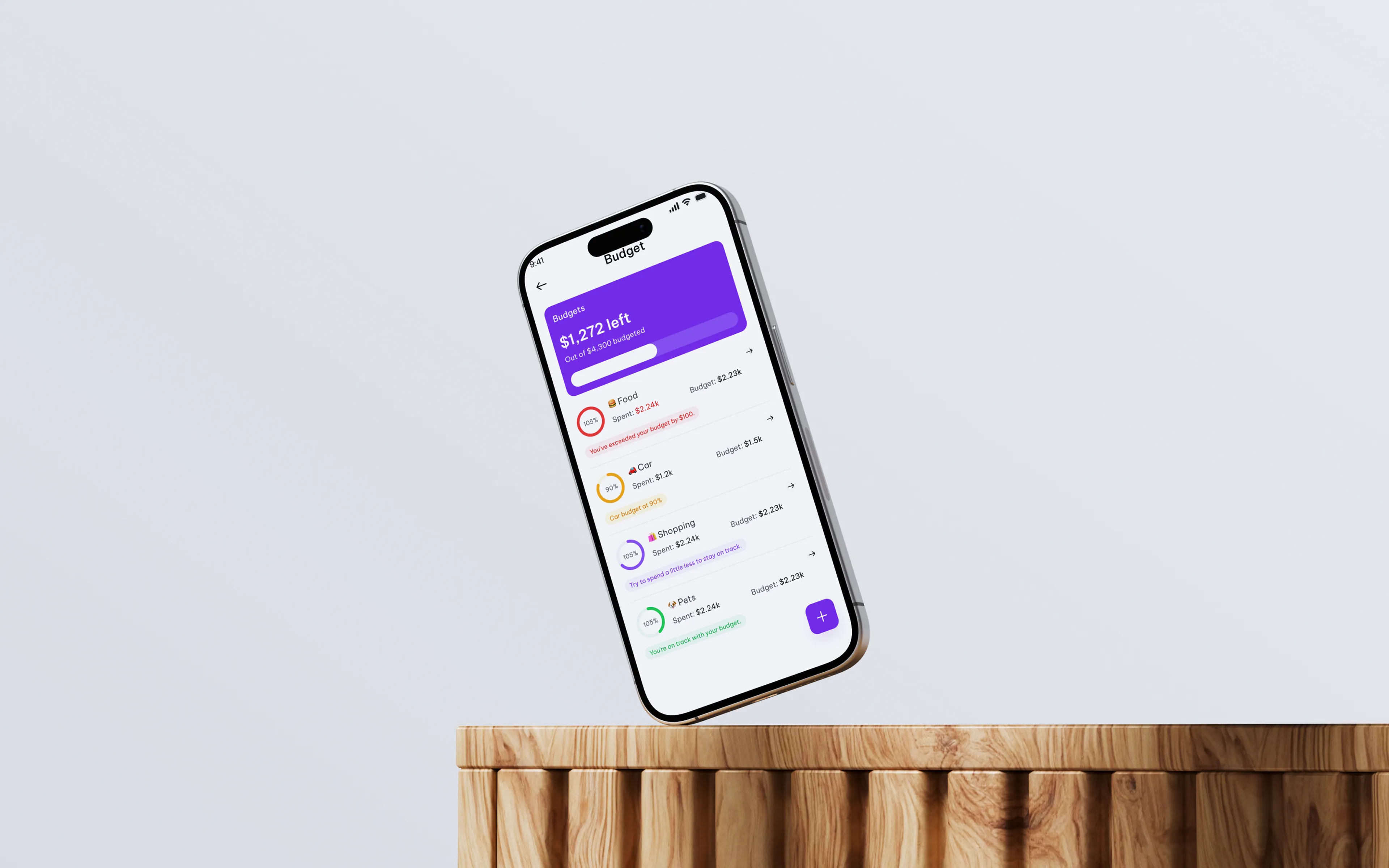
- Clear progress indicators on budgets and goals, so users instantly know when they are close to or over their limit.
- Dedicated success, failed, empty, and confirmation states for every key action, including add, edit, and delete.
- Separate Free and Premium home experiences, with natural upgrade prompts instead of blocked screens.
Visual design system
We built a consistent system of reusable components such as buttons, input fields, cards, progress bars, and navigation. A clean layout, strong visual hierarchy, and friendly category emojis (Food, Car, Shopping, Pets) make financial data easy to read and less intimidating. Color palette: #7C3AED, Font: Be Vietnam ProUI design highlights
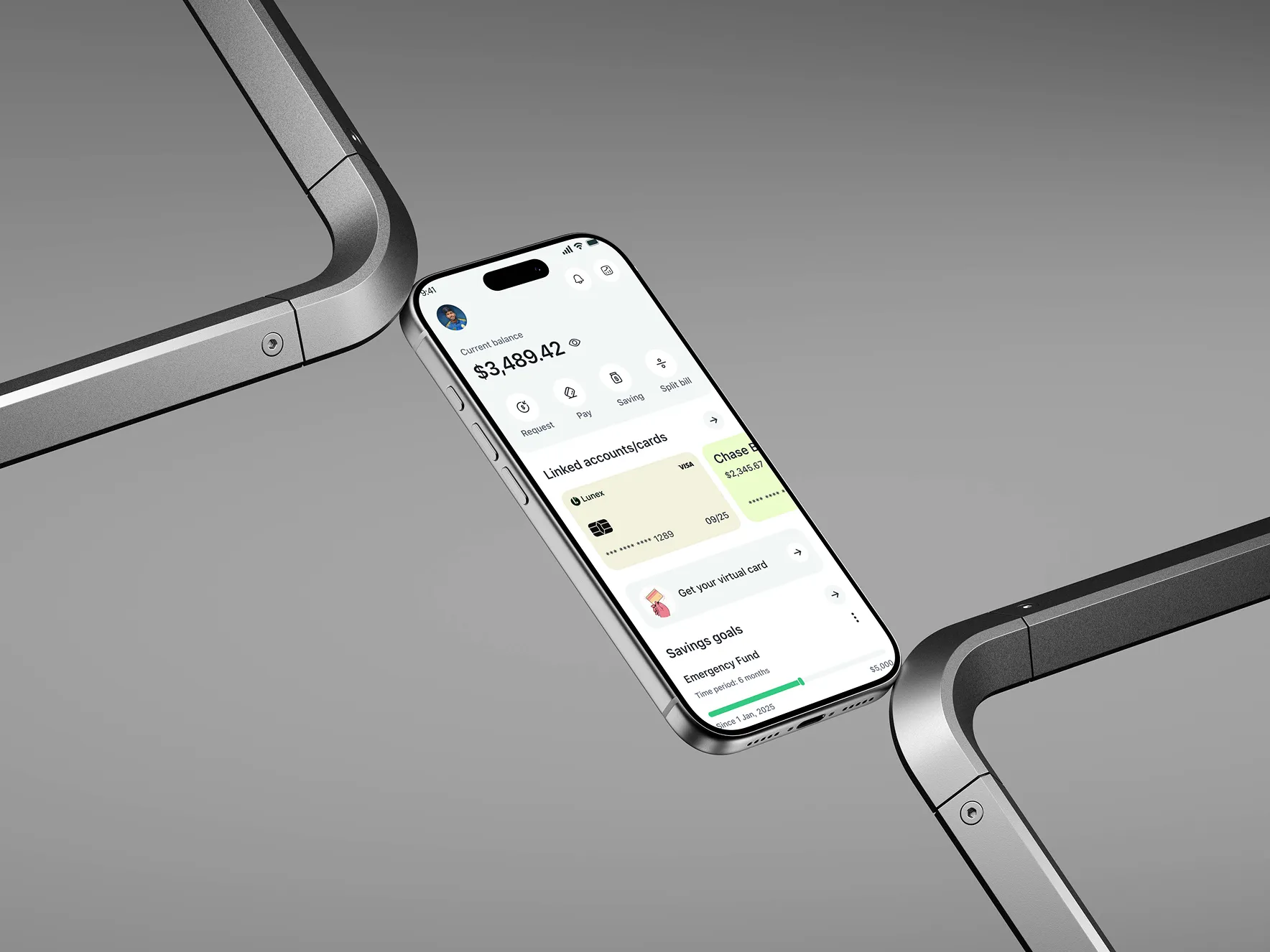
- Home: current balance, weekly spending chart, daily budget progress, and recent transactions.
- Budgets: category budgets with monthly, weekly, yearly, or one-time options.
- Savings Goals: track goals like a laptop or vacation with progress and a celebration on completion.
- Bill Tracker: active, due, upcoming, and history views.
- Transactions: search, filters, manual entry, and detailed transaction view.
- Insights: category breakdown, month-over-month comparison, top merchants, and net worth snapshot.
- Profile: linked accounts, notification preferences, help and support, and Pro upgrade.